A field guide to every number in htop, from load average to zombies
Peteris Rocks kills processes one by one until his Linux box is nearly bare, all to answer a question top never spells out: which of these can you actually kill?
The 2019 explainer decodes every field in htop and top: load average as a damped average of runnable plus uninterruptible tasks, not CPU percent, and the S-state column from R to the unkillable D and the harmless Z zombie.
Its sharpest point: VIRT is an illusion. RES is the real resident memory; virtual size counts mmap'd regions a process never touches.
The comments turned it into a tools thread: btop, nmon, process-tree tweaks.
Load average lies, and VIRT lies harder
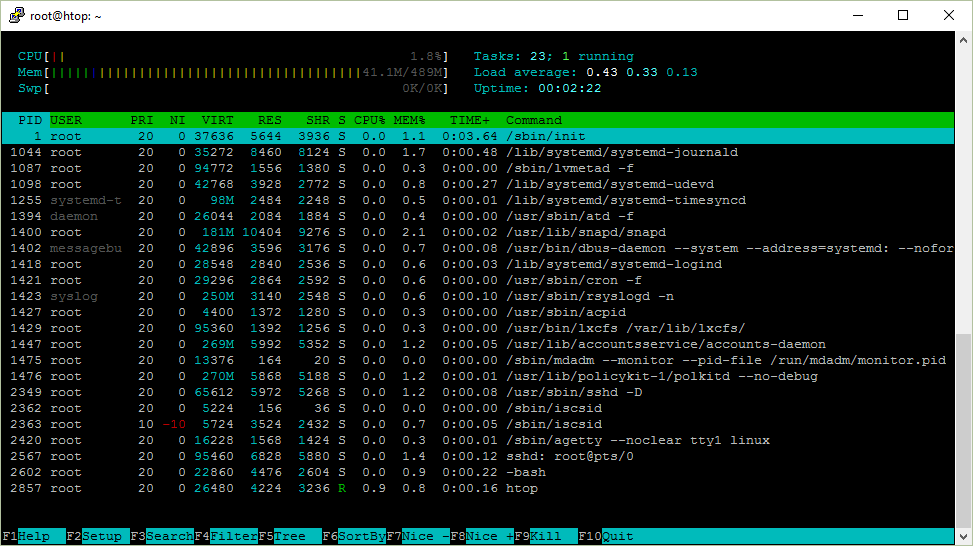
Peteris Rocks' 2019 walkthrough takes every field in htop and top and explains what it actually measures. Load average is not CPU percentage: it's an exponentially damped moving average over 1, 5 and 15 minutes of processes that are running or stuck in uninterruptible sleep. On a single core, 1.0 means fully busy. The task counter exists because the Linux kernel calls processes "tasks," and Shift+H folds threads in and out of view.
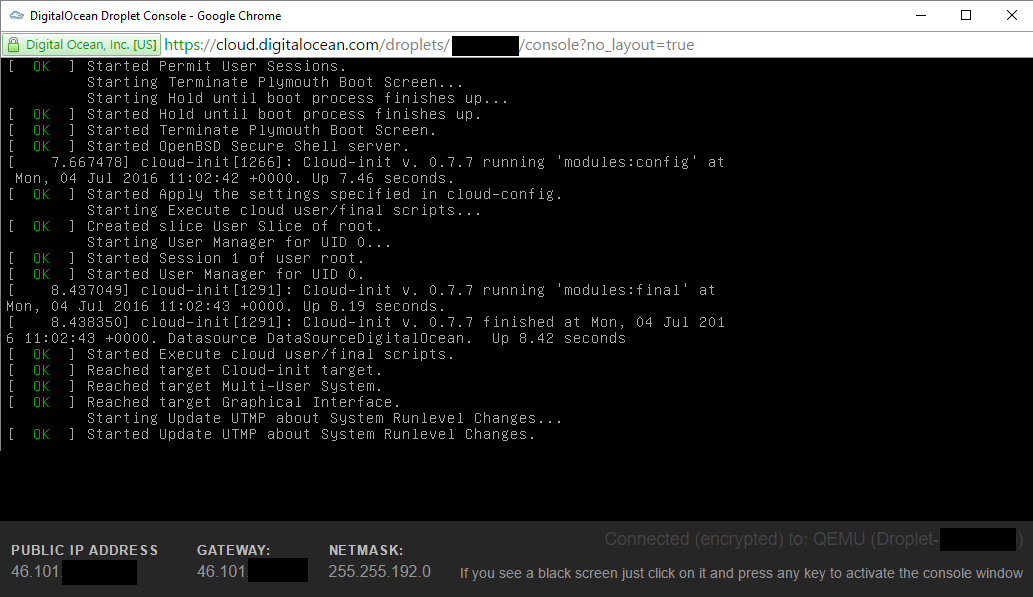
Memory is where the guide plants its flag. VIRT counts every mmap'd region a process reserves but may never touch, so it routinely overstates usage. RES is the real resident memory in RAM; SHR is the copy-on-write portion that may be shared. The S column reports state: R running, S interruptible sleep, D the uninterruptible I/O wait you usually can't kill, Z a zombie that has already exited and holds only a PID. Niceness runs from -20 to 19, each step worth roughly ten percent of CPU time, and PRI is just 20 plus NI.
The article's spine is one experiment: can you kill it? The author signals processes with SIGTERM (15), then SIGKILL (9), which no program can catch, and watches a full desktop shrink toward a bare system. A zombie resists both, because you cannot kill what is already dead.
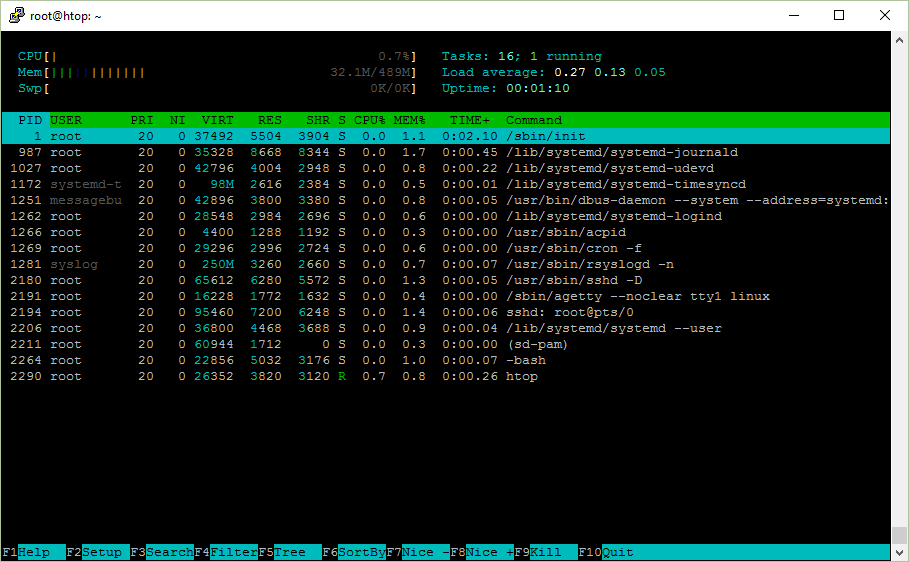
One last gotcha is cosmetic: over PuTTY, box-drawing and colors need the right terminal settings or the meters render as garbage.

The comments turned an explainer into a tools shootout
The memory lesson landed hardest, with a reader who had watched the same trap play out in a browser:
"Resident size is the most reliable metric. Anything else can be wrongfully inflated by … harmless memory mapped files … Chrome actually had this problem for a while" — a commenter recalling Chrome's mmap fix
A heavy user offered two defaults he wishes htop shipped with:
"I disable user threads … I enable the process tree view … both these things should be the default behavior of htop." — a daily htop user
Then the thread drifted to successors.
"I've relatively recently migrated over to using btop … it seems to shows the Watts used as well" — a senior machine-learning engineer
That echoed a wish stated plainly:
"A bit silly that you can see a load average but not the amount of Watts used by your system." — one reader
Six years on, the article still gets bookmarked because the fields it decodes haven't changed. What changed is that btop, nmon and friends now draw the watts, GPUs and disks htop never learned to show.
Get breakdowns like this every day
The top Hacker News stories, unpacked — by email, Telegram, or RSS.
Command and Conquer Generals ported natively to iPhone, iPad and Apple Silicon
A 2003 real-time strategy game now runs unmodified on an iPhone, its DirectX 8 calls translated through four graphics layers before reaching Apple's Metal. No emulation, no streaming.